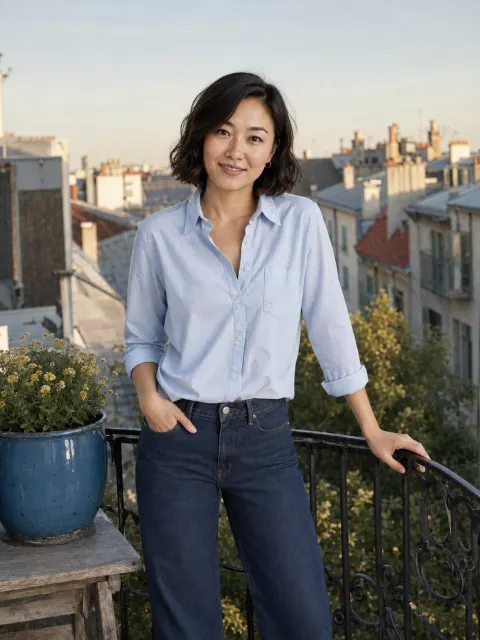
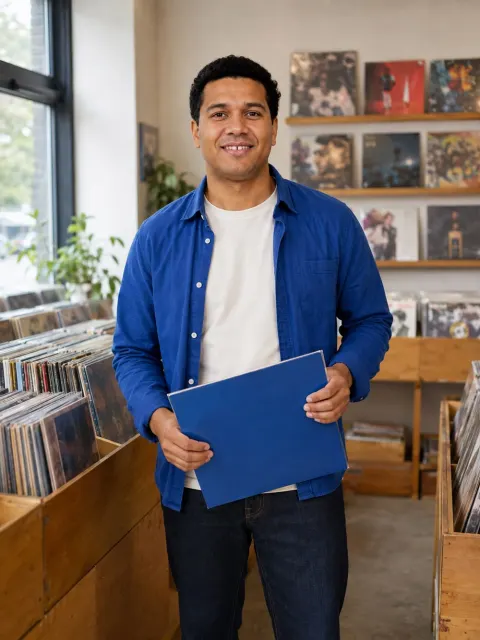
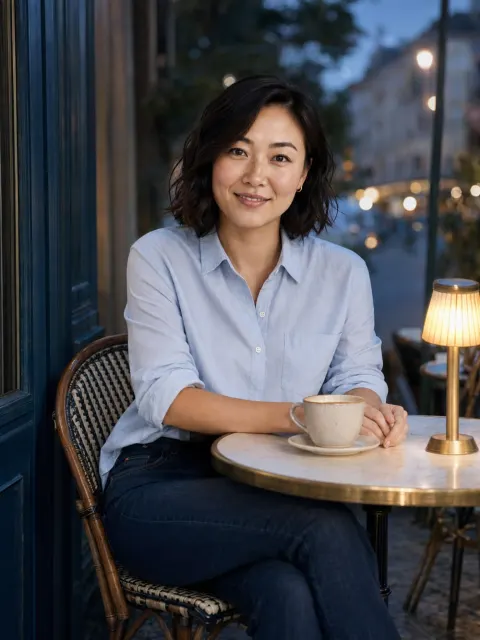
Charmshots editorial ·
AI dating photos have gone from novelty to something plenty of people quietly consider. The two questions that follow are fair ones: are you allowed to use them, and is it a kind of catfishing?
This guide doesn't quote a rule for each app, because those rules are written by the apps, change without notice and can differ by country. Instead it explains what dating app photo rules generally aim to prevent, how to check the current version yourself, and a practical line between a fair AI portrait and a misleading one. It is not legal advice, and the apps' own wording always wins.
The short answer
- It depends on the app and on when you check. Tinder, Hinge and Bumble each publish their own community guidelines and terms. Read the current version in the app or on its help site.
- The rules broadly target deception. Impersonating someone, using someone else's photos, or presenting a misleading picture of who you are.
- Verification is a separate matter. Live selfie or video checks exist to confirm the real person matches the profile. Never use a generated image for them.
- An upload being accepted is not approval. Apps can review, remove or act on content after it is posted, including after someone reports it.
What dating app photo rules generally care about
Without quoting any specific policy, the published community guidelines of the major dating apps tend to circle the same ideas. Reading them with these in mind makes it easier to apply them to AI images.
Some apps may go further and address AI-generated or heavily altered images directly. That is exactly why reading the current text matters more than any article, including this one.
How to check the current rules yourself
It takes about ten minutes per app and gives you an answer you can rely on today.
- Open the app's settings and look for a link to community guidelines, safety or terms. Or search the app's official help centre for 'photo guidelines'.
- Read the sections on profile photos, authenticity and misrepresentation. Search the page for words such as 'AI', 'generated', 'edited', 'altered' and 'misleading'.
- Read the help article on photo or profile verification separately; it often has its own requirements.
- Note the date you checked. Rules change, so look again if you return to the app months later.
- If something is ambiguous, contact the app's support and ask. Their answer is worth more than a forum thread.
Is using AI photos catfishing?
Catfishing, in the everyday sense, means pretending to be someone you are not: a different face, a different identity, a made-up life. The harm is that the person you meet isn't the person you presented.
By that standard, the question is not whether a photo came from a camera or a generator. It is whether the picture honestly represents you. A useful way to see it is as a spectrum.
The honest end of the spectrum is narrow but real. Someone who matches with you should recognise you comfortably when you meet, and nothing in your photos should set up expectations you would need to explain away.
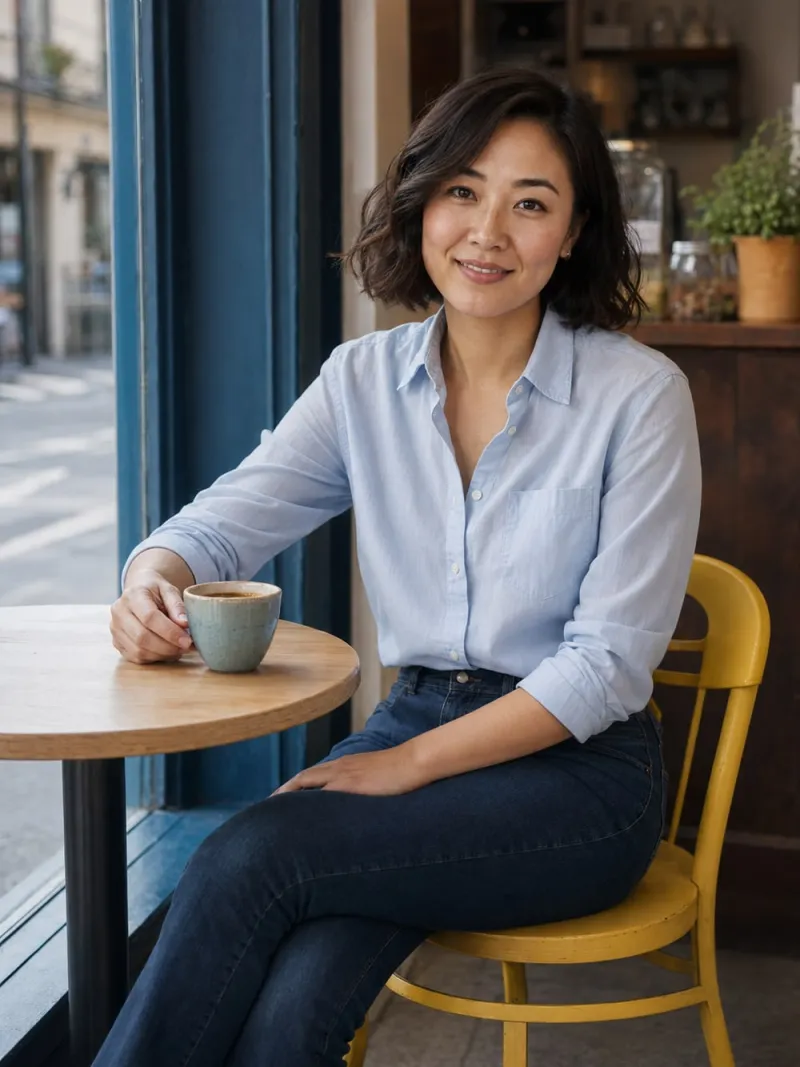
The setting matters as much as the face
Most discussion focuses on whether an AI portrait looks like you. That is essential, but it is only half the test. The background tells a story too.
- Pets. A dog in your photo suggests you have a dog. If you don't, skip the dog walk scenes.
- Travel. A recognisable foreign street suggests you've been there. Prefer local or generic settings unless you have.
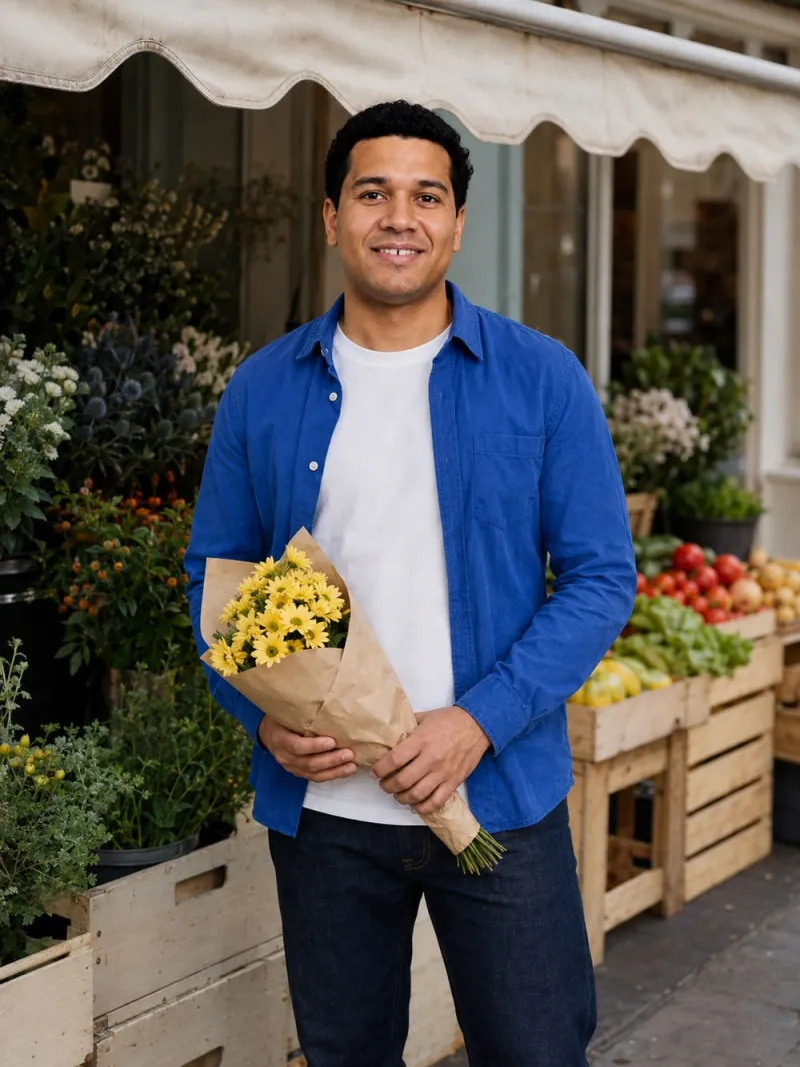
- Hobbies. A climbing wall suggests you climb. Choose activities you actually do, like a Saturday market or a Sunday bake.
- Status. Luxury cars, yachts and private jets are never a good idea, AI or not.
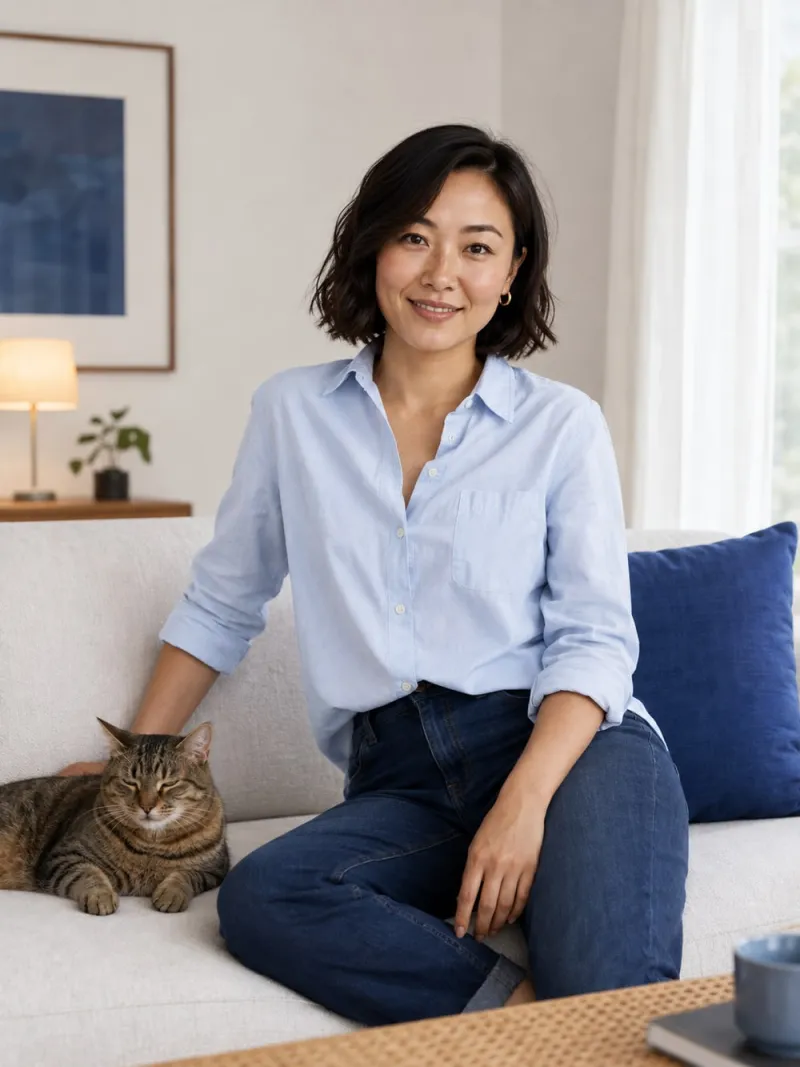
The honest AI photos guide has a step-by-step scene check if you want to go further.
Editing, retouching and generation are different things
Discussions about AI photos often lump every kind of change together. It helps to separate them, because app guidelines and your matches are likely to see them differently.
- Basic editing. Cropping, straightening, brightening, correcting a colour cast. The photo still records a real moment and shows you as you are. This is ordinary and widely accepted.
- Heavy retouching. Reshaping your jaw, slimming your body, smoothing away every line, changing your eye colour. The moment happened, but your appearance has been altered. This is where many profiles start to mislead, whether or not AI was involved.
- Generation. A new image of you, in a scene that never happened. It can be faithful to your appearance, but it is an illustration, not a record.
A light edit of a real photo is usually the smallest useful change. The free photo editor crops, brightens and sharpens locally in your browser without inventing detail. Generation makes most sense for a specific gap, such as having no clear, well-lit photo of yourself at all.

Verification is never the place for AI
Many apps offer some form of photo or video verification, usually a live selfie or short clip compared with your profile photos. The exact process differs by app and changes over time, so read the app's own help pages.
The rule is simple: verification is done with your own camera, in real time, with your real face. Trying to pass a verification step with a generated image defeats its whole purpose and is likely to breach the app's terms. Your profile photos, AI or not, should look enough like you that the live check is unremarkable.
Should you say a photo is AI?
Check whether the app expects disclosure; some contexts do. Even where there is no rule, honesty is simple: if a match asks whether a photo is generated, say so. Something like 'That one's an AI portrait; the rest are from this year' is unremarkable and honest.
Some people prefer to mention it upfront in a caption or prompt. That is a personal choice. What matters is never denying it when asked, and never letting a generated photo carry a claim about your life.
A checklist before you upload an AI photo
- Rules. You have read the app's current guidelines today and nothing prohibits it.
- Likeness. Compared side by side with a recent real photo, it is clearly you: face shape, teeth, hairline, build and apparent age.
- Details. Hands, jewellery, glasses and clothing edges look right at full size. The likeness checklist covers what to inspect.
- Scene. It implies nothing about pets, travel, hobbies, friends or money that isn't true.
- Balance. Your profile still includes recent real photos; AI fills a specific gap rather than replacing everything.
- Verification. You will complete any verification with your own camera.
- Honesty. You are comfortable answering plainly if someone asks.
If an app removes a photo or flags your profile
If a photo is rejected or removed, don't simply re-upload it. Read the message the app sends, reread the relevant guideline and, if it isn't clear, contact support. Replace the image with a recent real photo while you sort it out. Apps can restrict accounts for repeated breaches, so it is worth taking seriously.
How Charmshots approaches this
Charmshots is built for the honest end of the spectrum: realistic photos of you, from your own selfies, in everyday scenes such as cafés, markets, kitchens and walks. You choose the scenes, review every result and decide what, if anything, to use. We'd always suggest keeping recent real photos alongside them, checking the rules of the app you use, and leaving out any result that doesn't look like you.
For app-specific scene ideas see Hinge photo ideas, Tinder photo ideas and Bumble photo ideas. AI photos for dating apps explains how the studio works.
Are AI photos allowed on Tinder?
Check Tinder's current community guidelines in the app or on its help site, as rules change and can vary by region. Guidelines generally focus on being authentic and not misleading people. Whatever the photo rules, never use AI images for verification.
Are AI photos allowed on Hinge?
Hinge publishes its own guidelines, and they can change, so read the current version before uploading. If you use AI portraits, keep recent real photos in your six, make sure every image clearly looks like you and avoid scenes that imply a life you don't have.
Does Bumble allow AI-generated profile pictures?
Bumble's rules are set by Bumble and may change, so check its current guidelines and help pages. The safe approach on any app is the same: images that look like you now, real photos alongside them and your own camera for verification.
Is using AI photos on a dating app catfishing?
Catfishing means presenting yourself as someone you are not. Using someone else's face, or AI that changes your face, body or age, crosses that line. A portrait that clearly looks like you now, in an ordinary setting, is different, provided the app allows it and you are honest if asked.
Can a dating app tell if a photo is AI-generated?
Apps don't publish full details of how they review photos, so don't assume either way. Focus on what you control: follow the current guidelines, use images that genuinely look like you and complete any verification with your own camera.
Should I tell matches my photo is AI?
Check whether the app expects disclosure. Either way, if someone asks, say so plainly. Some people mention it upfront; what matters is never denying it and never using an AI image to claim something about your life.
Can I use an AI photo for selfie verification?
No. Verification exists to confirm the real person matches the profile and is done live with your own camera. Using a generated image defeats its purpose and is likely to breach the app's terms.