
Charmshots editorial ·
What Bumble’s layout rewards
Bumble mixes your photos with profile details, a short bio and prompts in a profile people scroll through, so the set tends to be seen as a whole rather than one card at a time. That shifts the emphasis. Your first photo still has to introduce you clearly, but the pictures after it are read together, and a run of similar selfies stands out for the wrong reason.
- A warm, clear first photo that makes it obvious whose profile this is.
- Variety in the job each photo does, not just the background or the shirt.
- Everyday settings that feel like an ordinary good day in your life.
- Photos and words that agree, so the bio and prompts add detail rather than repeat it.
Bumble shows up to six photos at the time of writing; check the app for its current limits and layout, and judge your own profile preview rather than an old screenshot.
A first photo that feels like you on a good day
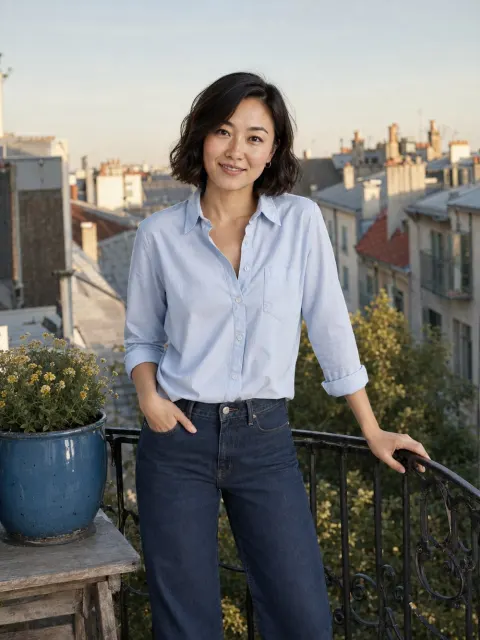
The first picture does the same job on Bumble as anywhere: recognition. People should see your face, your expression and roughly how you carry yourself. Because the profile is scrolled rather than tapped through, a calm, friendly portrait often sets the tone better than a dramatic one.
- Solo, with your eyes visible and no sunglasses.
- Framed roughly from the chest or waist up, with space around your head.
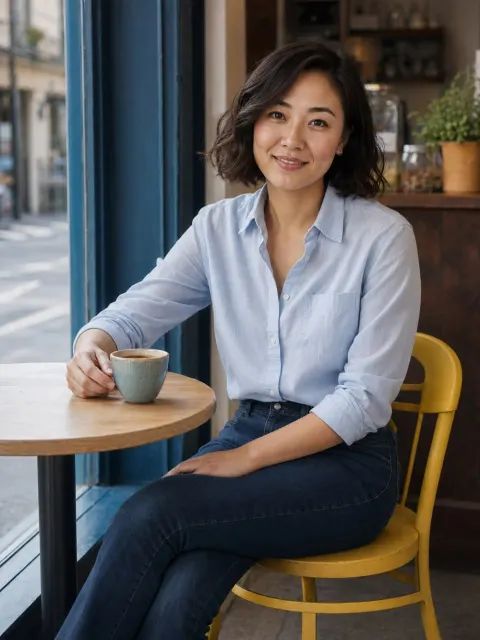
- Soft daylight from a window or open shade rather than harsh sun or a dim room.
- An expression that looks like you in conversation. There is no single pose or smile that suits everyone, so compare a few recent pictures and choose the one that feels most natural.
- Recent enough that a match would recognise you straight away.
The first-photo guide covers crop, background and the in-app thumbnail check in more depth.
Add real variety to the scroll
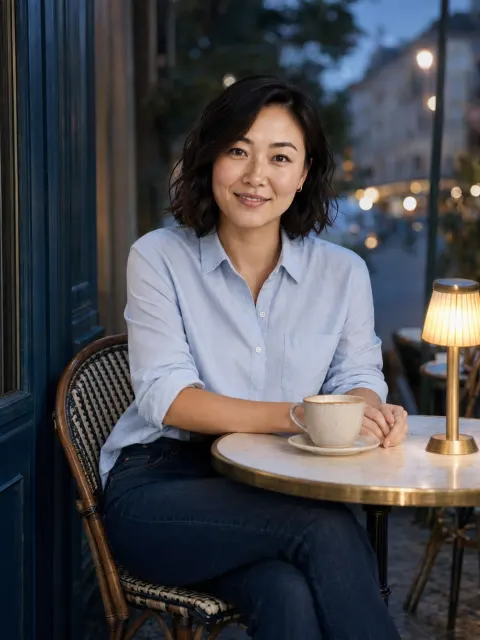
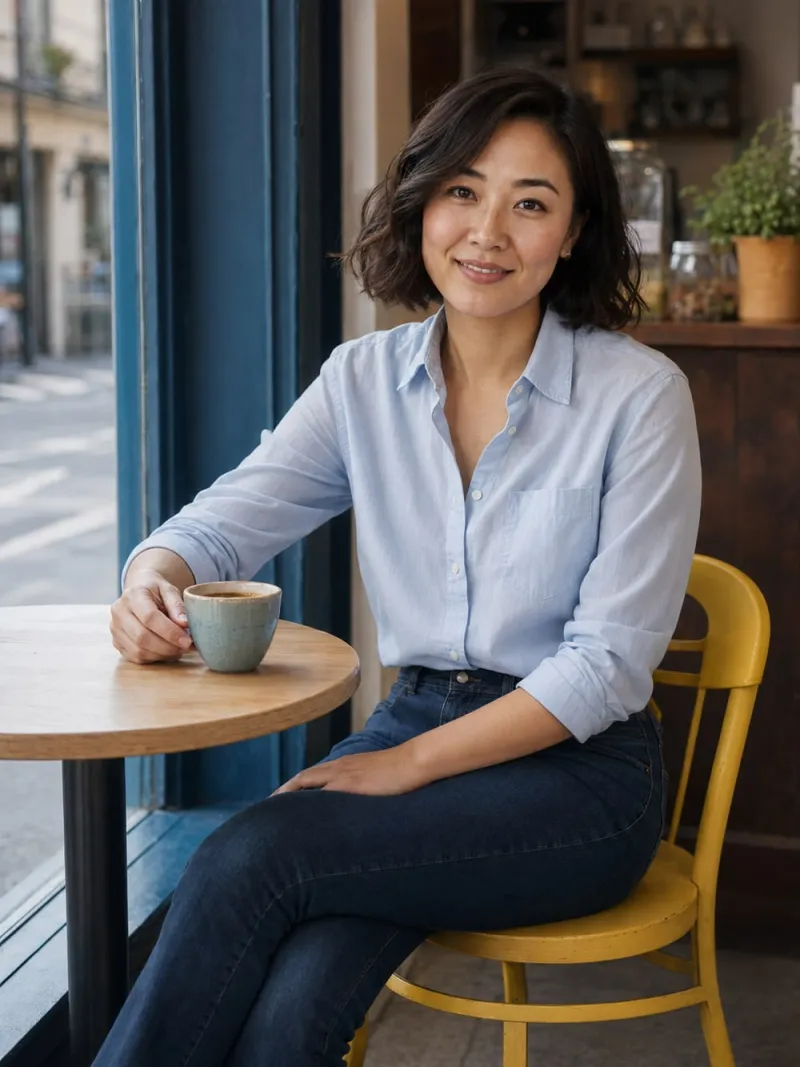
Because people see your photos together, repetition is more obvious on Bumble than on a tap-through card. A café portrait and another café portrait in a different shirt still do the same job. Vary what each picture adds.
- Label each photo by what it adds: recognition, full-length posture, an activity, social context or a different mood.
- If two photos share a label and nearly identical framing, keep the stronger one.
- Add a different distance or setting if every photo is a close-up.
- Include at least one activity you can talk about naturally.
- Avoid mixing heavily filtered, old and current images so people have to guess what you look like now.
| Slot | What it adds | Example |
|---|---|---|
| 1 | Recognition | A warm solo portrait in daylight |
| 2 | Full length | Walking, or sitting on a step, in your everyday clothes |
| 3 | An interest | A pottery class, a run, a kitchen you actually cook in |
| 4 | Social | With friends, where you are easy to find |
| 5 | Outdoors or seasonal | A weekend walk, a market, an orchard |
| 6 | A talking point | A pet you live with, a book you are reading |
A relaxed photo on a walk can add more than a dramatic location.
One group photo, placed after your portrait
A picture with friends can show your social side, but only once people already know which face is yours. Keep it after a clear solo portrait, choose one where faces are a reasonable size rather than a crowded party, and ask the people in it before you post. Watch the crop too: a stranger’s arm around your shoulder or a friend cut in half raises more questions than it answers. One group photo is usually plenty; a second needs to do something clearly different, such as a family occasion instead of another night out.
The lineup guide explains how to compare candidates on a contact sheet and how to spot duplicates.
Pair photos with your bio and prompts
Bumble profiles carry a short bio and a few prompts alongside the photos. As on any app, the words should add what the pictures cannot. If a photo shows you at a pottery wheel, the bio does not need to say you are creative; it can say what you keep making badly, or what you are trying next.
- Read your photos first and note what they already say about you.
- Use the bio for one or two specific, true details: a habit, a place, a mild opinion.
- Give at least one prompt answer something a stranger could reply to in one line.
- Check that nothing in the words contradicts the photos, such as a bio about quiet weekends above a set of club nights.
Something like ‘Saturday mornings are for the market and an unreasonable amount of bread’ next to a market photo gives someone both a picture and a question. Specific beats impressive.
Everyday scenes that work on Bumble
You do not need every picture to look like an event. Think about the settings where you are comfortable and the details that would feel familiar to a friend. An ordinary good day photographs well and gives people easy questions.
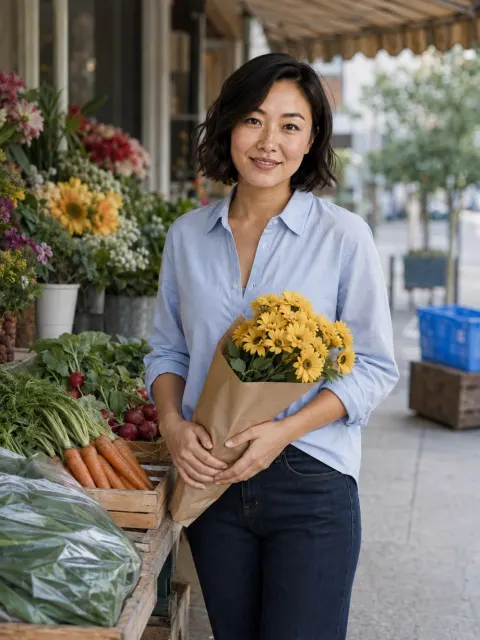
- A weekend market or a farmers market: low-key and easy to ask about.
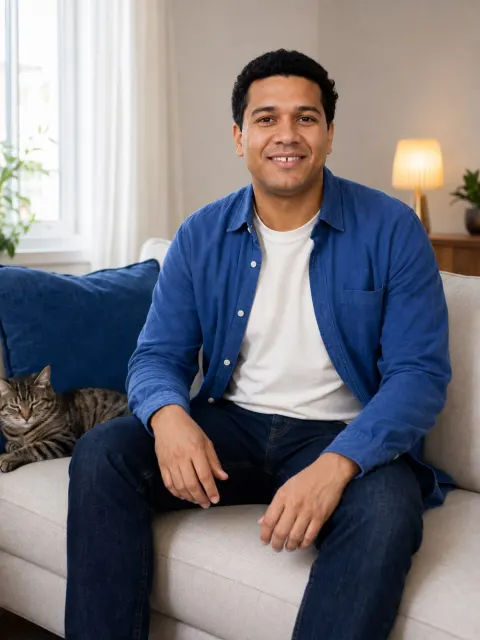
- A pet you live with, like a cat on the sofa. Only if the animal is really yours.
- Something you make: a pottery class says more than ‘I’m creative’ in a bio.
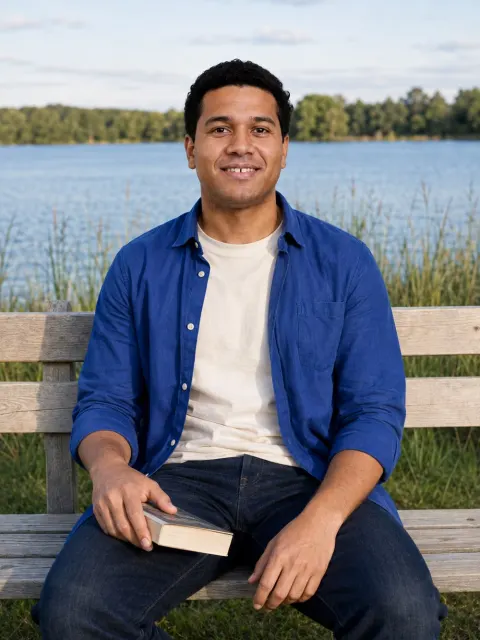
- A calm outdoor frame with a book, such as lakeside reading.
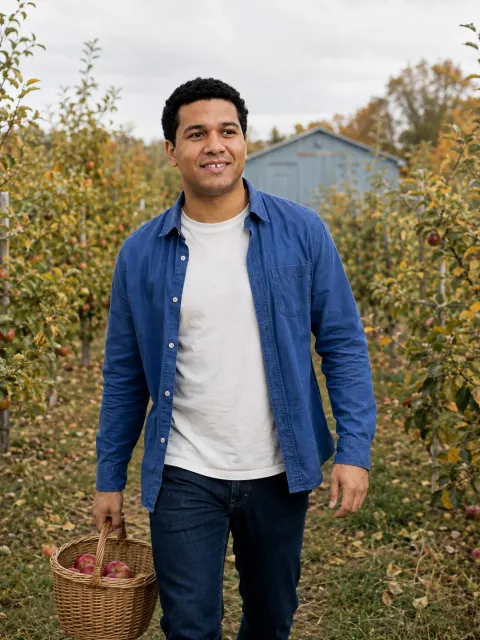
- A seasonal walk like an autumn orchard, to add colour and a change of setting.
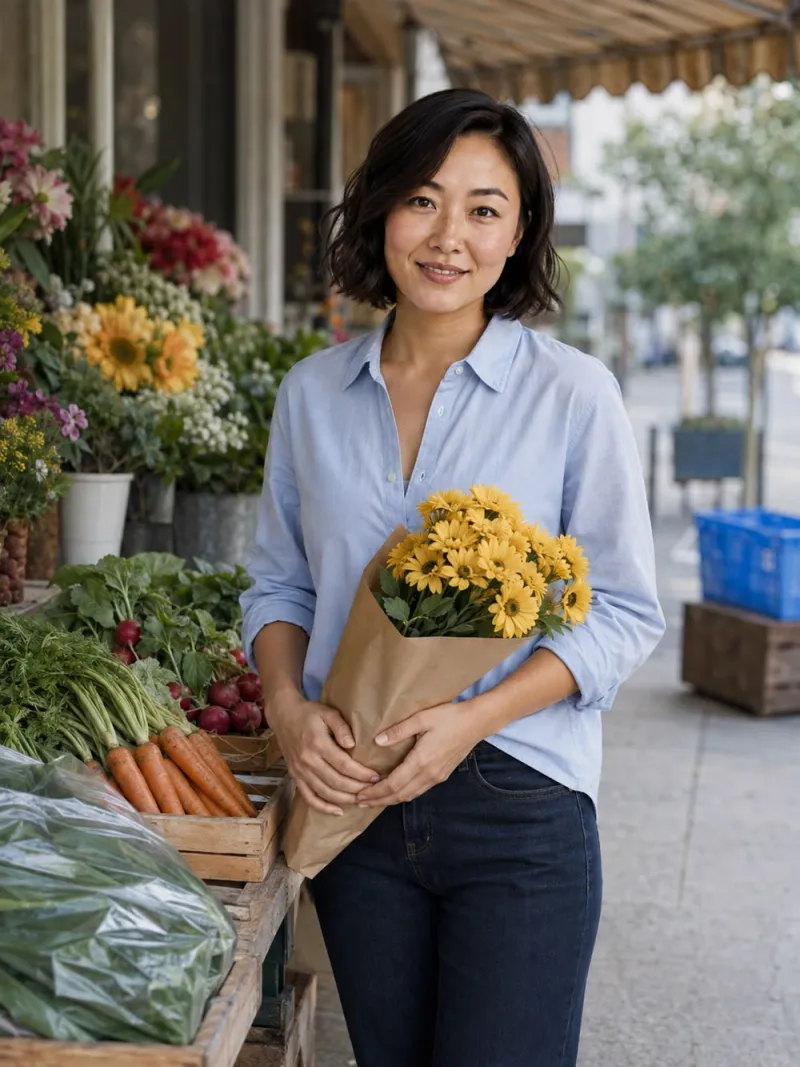
Pick photographs connected to your actual life rather than collecting impressive-looking backdrops. If a picture implies a trip, a sport or a pet you could not talk about on a first date, leave it out. If you lack real pictures of these moments, take your phone next time; the guide to taking your own photos covers timers, distance and simple poses.
Photo verification on Bumble
Bumble, like many apps, offers a way to verify your profile, usually by taking a live selfie or short video that is compared with your photos. The exact process and what it checks change over time, so read Bumble’s own help pages for the current version.
The practical lesson is the same everywhere: your profile photos should look like the person who will take that live selfie and, more importantly, the person who turns up to the date. That means recent pictures, light editing and no AI portrait that drifts from your real face. A generated image is never a verification photo.
If your Bumble profile is quiet
A quiet spell is rarely a verdict on you, and nobody can promise a number of matches. Start with what you control. Check that the first photo is solo, sharp and recent; that the scroll shows different distances and settings; and that the bio gives someone a reply. Then review your distance and age filters in the app, change one thing at a time and give each change a week or two of normal use before judging it. The free photo score tool gives a quick private check of face, light, sharpness, framing and filters.
Using your Bumble set on Hinge and Tinder
One master album of approved photos, adapted per app, is easier to keep current than three collections. The variety that makes a Bumble scroll work is a strong base anywhere; what changes is emphasis.
- **Hinge** places photos between prompts and lets people comment on a single picture, so favour six that each hold a specific talking point.
- **Tinder** puts one photo on a full-screen card with text over it, so lead with the quickest-to-read portrait and check every crop.
- Bumble rewards a varied, warm set that reads as one person’s ordinary life.
On every app the fundamentals hold: a clear, recent first photo, no near-duplicates, nothing that no longer looks like you, and friends who are happy to appear.
Where AI photos fit on Bumble
Check Bumble’s current guidelines before uploading. Whatever the rules, keep your appearance accurate, choose scenes that match your real life and never use an AI image for verification. A generated portrait works best for one clear gap, such as a well-lit first photo, alongside real, current pictures.
- Compare each result with an ordinary recent photo and reject anything that changes your face, proportions or apparent age; the likeness checklist covers what to look for.
- Read the story the scene tells. A pet, a trip or a hobby in the background is a claim about your life.
- Answer plainly if a match asks how a photo was made.
Are AI photos allowed on dating apps? explains how to check each app’s rules and where the honest line sits.